
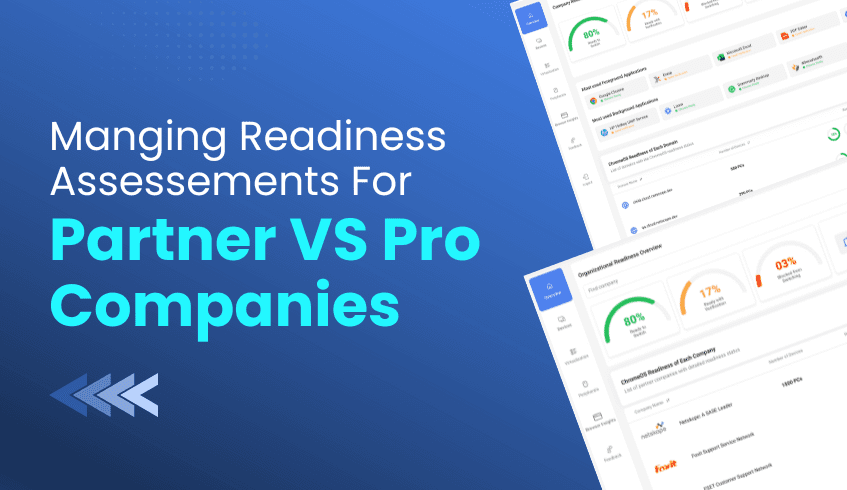
Dashboards for Partner Companies vs. Pro Companies: Managing Multi-Tenant ChromeOS Readiness Assessments
For service providers and large enterprises managing multiple domains, visibility and control are crucial for a seamless ChromeOS migration. The ChromeOS Readiness Tool offers two specialized web dashboards, the Partner Dashboard and the Pro Dashboard,d tailored to different management needs.
This guide explains how service providers can leverage the Partner Dashboard to efficiently manage multiple customer environments and streamline ChromeOS readiness assessments.
Dashboard Overview: Partner vs. Pro
The ChromeOS Readiness Tool provides two dashboard experiences based on the user’s role and deployment type:
Pro Dashboard (Single Organization) Designed for IT admins managing a single organization, the Pro Dashboard offers a comprehensive view of ChromeOS readiness within one environment. It displays insights such as company readiness summaries, application readiness statuses, and device distribution.
Partner Dashboard (Multi-Tenant Management) Created for service providers. This dashboard supports multi-customer management through secure, key-based access. It enables partners to monitor multiple client environments, review readiness data, and manage migration progress from a centralized interface.
Managing Multiple Customers: How the Partner Dashboard Works
1. Secure Access Using Encryption Keys
To view a customer’s readiness data, partners must use their customer-specific encryption key:
Login & Authentication: The partner logs in using their Google account.
Data Access: The partner uploads the customer’s private encryption key to unlock the readiness reports.
Progress Monitoring: The dashboard displays assessment progress, duration, and completion percentage in real time.
2. Multi-Domain & Multi-Company Navigation
The Partner Dashboard simplifies navigation across multiple clients and domains:
Company Selector: Partners can switch between customer organizations via a drop-down menu.
Domain Filtering: Within each company, they can filter devices by domain for focused analysis.
3. Storage Configuration & Deployment Requirements
For partners to access customer reports successfully, the deployment must use Google Cloud Storage (GCP).
Supported Storage Options:
Partner-Managed Cloud Storage:
Customers use a shared bucket maintained by the partner organization.
Ideal for centralized visibility across all customers.
Customer-Managed Cloud Storage:
Customers create and manage their own GCP bucket, maintaining independent control of their data.
Important Notes:
Partner Dashboard access is not available for deployments using only on-premise storage (Network Shared Folders).
Partners must distribute a partner-specific setup file with customer companies to ensure collected data maps correctly to their Partner Dashboard. Using generic setup files will prevent customer data from displaying.
Why the Partner Dashboard Matters
The Partner Dashboard transforms ChromeOS migration assessments into a scalable managed service. By offering centralized oversight, partners can:
Deliver detailed, data-backed readiness reports across multiple clients.
Support faster, more confident ChromeOS migration planning.
Maintain a consistent view of deployment progress and outcomes.
The ChromeOS Readiness Tool’s Partner Dashboard empowers service providers to move beyond single-organization visibility, enabling multi-tenant, data-driven ChromeOS readiness management. Whether you’re overseeing a few clients or a large portfolio, the Partner Dashboard ensures every migration is tracked, secure, and optimized for success.




