
The Risk You Don’t See: Unverified Extensions in the Enterprise Browser
The browser has quietly become the most active workspace in the enterprise. Employees access internal tools, handle sensitive data, and interact with external platforms all within a single tab. But while security teams monitor endpoints and networks closely, browser activity often remains less understood.
One of the most overlooked risks inside the browser comes from extensions.
They run in the background, interact directly with user sessions, and often operate with deep permissions. Without proper context, it becomes difficult to understand which extensions are safe and which introduce risk.
This is where Chrome Enterprise Premium starts to matter. Not as a general control layer, but as a way to bring structure and meaning to browser-level risk.
From Visibility to Security Insight
Understanding extension risk is not just about seeing what is installed. Most organizations already have some level of visibility. The challenge is interpretation.
Which extensions are trusted? Which ones were installed outside controlled channels? Which ones require immediate attention?
The Chrome Readiness Tool helps surface this data across devices, but the CEP Accelerator feature goes a step further. It introduces a dedicated Browser Security Analytics layer that transforms raw browser signals into clear, actionable insights .
Instead of scattered data, security teams get a structured view of risk across the organization.
Unverified Extensions: Where Risk Becomes Visible
At the center of this is a simple but effective concept. Extensions are classified based on how they are installed.
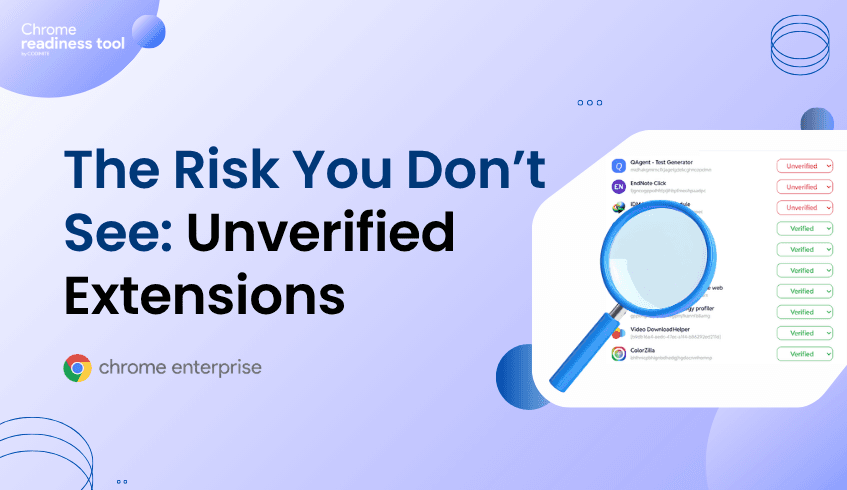
Extensions downloaded from web store are marked as Verified
Extensions installed through external methods, developer mode, unknown sources or if the tool fails to read the manifest file of the extension are marked as Unverified
This classification is based on installation source, which acts as a strong indicator of trust .
It shifts the focus from listing extensions to evaluating them.
Why This Classification Matters
Unverified does not mean malicious. But it does mean uncertain.
That uncertainty is what creates risk. Extensions installed outside standard channels may bypass typical validation processes, request broader permissions, or interact with external systems without clear oversight.
What makes the CEP Accelerator valuable is how it surfaces this clearly. It does not just show extensions. It highlights their source, their presence across devices, and the context needed to assess them properly .
This turns extension management into a security decision, not just an administrative task.
Connecting Extension Risk to Real Impact
The most important shift happens when extension data is connected to device security.
A device is considered secure only when no unverified extensions are present and no restricted/risky domain activity is detected. The presence of even a single unverified extension is enough to classify a device as not secure .
This simplifies prioritization.
Instead of reviewing extensions one by one, teams can quickly identify which devices require attention and where risk is concentrated.
Control with Context
Enterprise environments are not always straightforward. Some extensions may be safe despite being installed outside web store.
The CEP Accelerator accounts for this by allowing administrators to override classifications and align extension status with internal trust policies. This balance between default security logic and administrative control ensures that insights remain both accurate and practical .
Making Browser Security Actionable
Unverified extensions are not a new problem. What is new is the ability to clearly identify them, understand their impact, and act on them at scale.
By combining Chrome Enterprise Premium with the Chrome Readiness Tool, organizations move beyond visibility into decision-making. Risks are no longer hidden in lists or spread across devices. They are surfaced, contextualized, and tied directly to security outcomes.
The browser is no longer just a tool employees use. It is a space where risk actively exists.
And understanding what runs inside it is the first step to controlling it.




