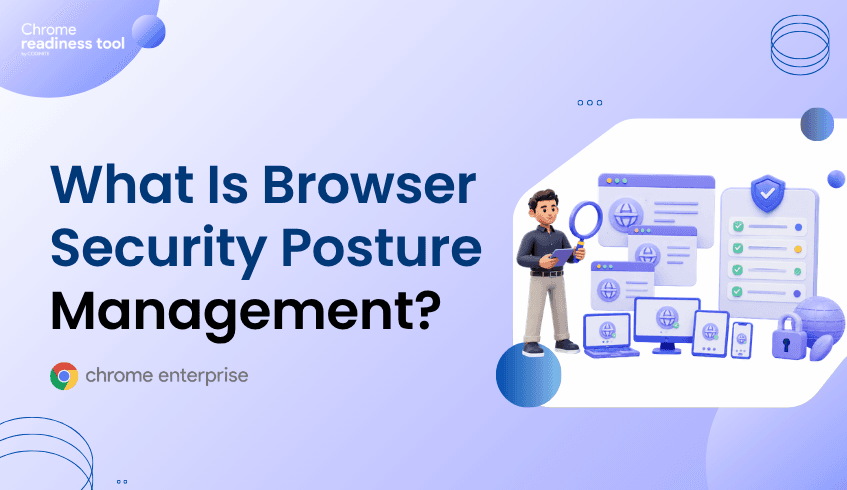
What Is Browser Security Posture Management?
Browser security posture management is the practice of understanding and improving the security condition of browsers across an enterprise fleet. It helps security and IT teams identify risky browser versions, unverified extensions, unsafe domain access, and device-level exposure before those issues become incidents. As work increasingly happens through SaaS applications and cloud services, the browser has become a critical security boundary. Browser Insights, Chrome Enterprise Premium, and CEP Accelerator work together by connecting browser visibility, enforcement, and prioritization.
Why does browser security posture matter now?
Browser security posture matters because the browser is where modern enterprise work happens.
Employees use browsers to access SaaS platforms, identity portals, finance systems, developer tools, customer data, and AI applications. That means the browser is no longer just a productivity tool. It is an access layer, a data layer, and a security control point.
Traditional security programs often focus on endpoint posture, identity posture, and cloud posture. Those are still important, but they do not always answer browser-specific questions:
Is this device running a protected browser version?
Are unverified extensions installed?
Is the user accessing restricted or non-HTTPS domains?
Which devices have the highest browser-layer exposure?
Browser security posture management helps answer those questions in a structured way.
What is browser security posture management?
Browser security posture management is the process of continuously assessing browser-related risk across users, devices, extensions, versions, and web activity.
At a practical level, it gives security teams visibility into the conditions that increase browser exposure. These conditions may include outdated browser versions, unverified extensions, unsafe domain access, and weak browser configuration.
The goal is not simply to collect browser inventory. The goal is to understand which browser conditions create risk, which devices are affected, and which actions should be prioritized first.
Why traditional security tools do not show the full browser picture
Many enterprise tools were built around endpoints, networks, and identities. They may show whether a device is managed, whether a user completed MFA, or whether malware was detected.
But browser risk often lives in smaller details.
A browser may be outdated. An extension may have broad permissions. A device may be accessing non-HTTPS domains. A user may be operating in a browser environment that creates unnecessary session exposure.
These signals are easy to miss when browser data is scattered across devices or buried inside endpoint telemetry.
That is why browser security posture needs its own visibility layer.
How Chrome Enterprise Premium strengthens browser security posture
Chrome Enterprise Premium helps organizations place security controls closer to the point where browser-based work actually takes place.
It is a secure enterprise browsing solution that builds on Chrome’s native security foundation with capabilities for threat protection, data protection, and access control across web applications.
For browser posture management, this is important because visibility is only the first step. Once security teams identify browser risks, they need browser-level controls that can help limit exposure.
Chrome Enterprise Premium supports a stronger browser posture by helping organizations protect web access, reduce phishing and malware risk, manage data movement, and apply access controls to enterprise applications.
From Browser Insights: turning browser posture into visibility
Browser Insights in the Chrome Readiness Tool, gives security teams a device-level view of browser-related risk.
It surfaces browser and extension details across the enterprise fleet, including browser name, browser version, installed extensions, and browser-level risk indicators. For posture management, this gives teams a practical way to see where exposure is concentrated.
Relevant posture signals include:
Browser version and session theft vulnerability status
Installed extensions and extension verification status
Access to unsecured, suspicious, or restricted domains
Device-level security classification
Drill-down views for investigating exposed devices
Together, these signals help security teams build a clearer view of browser posture across the organization.
Where CEP Accelerator helps prioritize action
CEP Accelerator helps teams turn browser posture visibility into a more focused action plan.
It functions as a planning and visibility layer inside Browser Insights. It connects observed browser risks to relevant Chrome Enterprise Premium capabilities.
For browser security posture management, this prioritization matters. Not every finding carries the same urgency. A device with unverified extensions and risky domain access may need attention sooner than a device with lower exposure.
CEP Accelerator helps security teams identify which browser risks should be addressed first and where Chrome Enterprise Premium controls can provide the most relevant protection.
Conclusion
Browser security posture management starts with visibility. Use Browser Insights to identify risky browser versions, unverified extensions, and unsafe domain access across your fleet, then use CEP Accelerator to prioritize the Chrome Enterprise Premium controls that can help reduce exposure.